
Request Parts • Find, request, and source parts from trusted distributors.
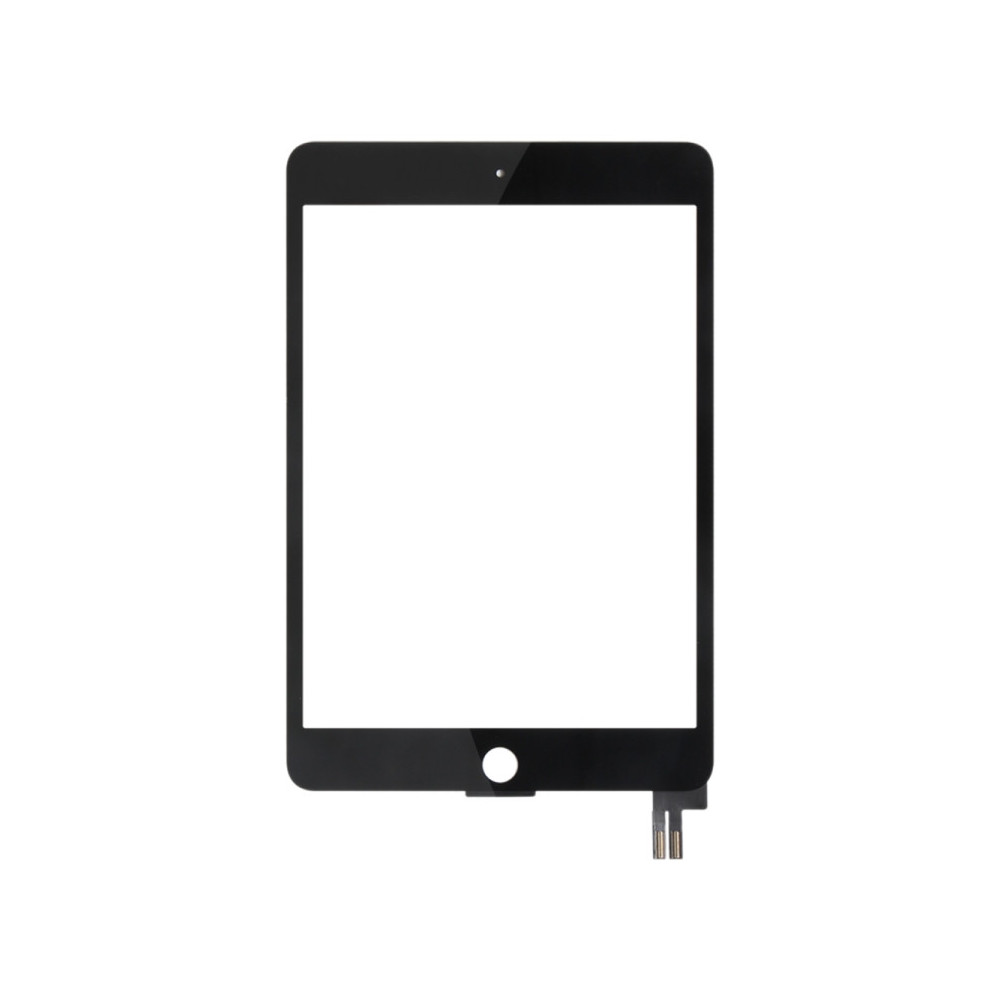
Touch Panel for iPad Mini 5 (2019) / A2124 / A2126 / A2133 (Black)
Tip 1: Test before installation
When testing, do not remove any protective film or labels. Be mindful of static electricity. Before attempting a repair, make sure you are grounded with an ESD (electrostatic discharge) strap to prevent static damage to the phone’s electronic components. Wear eye protection and handle broken glass carefully to avoid cutting your fingers.
Tip 2: Simulated testing
Screen replacements are fragile. We strongly recommend testing before installation. Perform a simulated test: disassemble the phone, connect the motherboard + screen/LCD to the new replacement using the flex cable, power on the device, and complete the test. If everything works, proceed with installation. If the display does not work, contact us immediately. Do not force the part into the phone. We are not responsible once the screen has been installed.
More from demo

KYB GR-2/Excel-G Shock
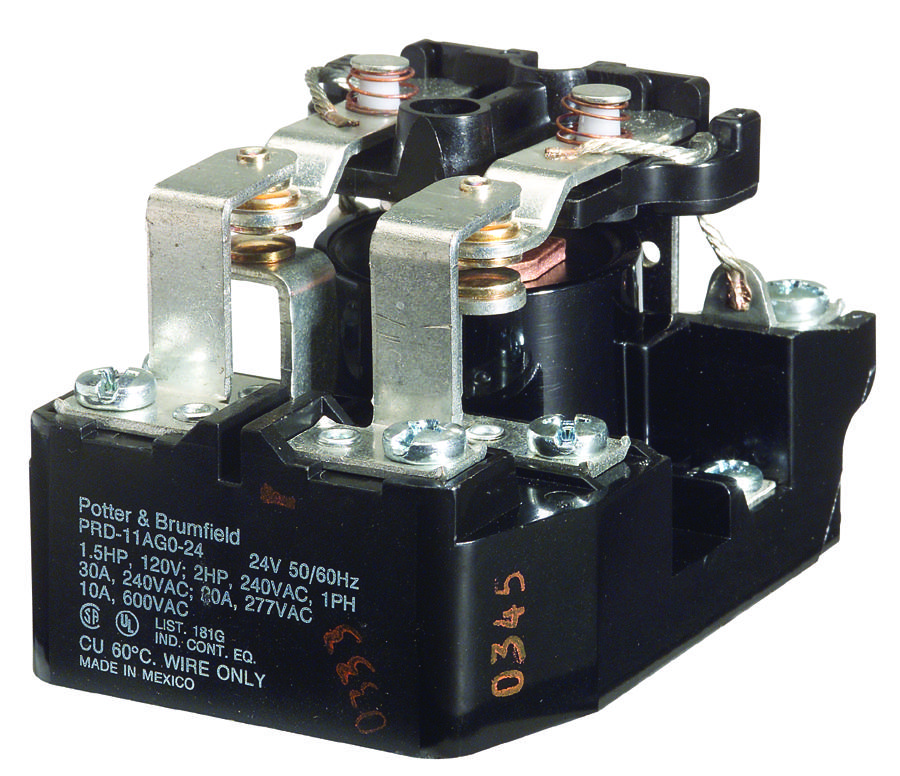
Te Connectivity - Potter&brumfield - Te Connectivity - Potter&brumfield - RELAY, DPDT, 277VAC, 50VDC, 25A - PRD-11AY0-120 - PRD-11AY0-120 | Te Connectivity - Potter&brumfield POTTER&BRUMFIELD - TE CONNECTIVITY PRD-11AY0-120

85106AC1214P50 Rundsteckverbinder, 851 Series, MIL-DTL-26482 Serie I, Kabelstecker, 14 Kontakt(e), Lötstift

MPQ20073DH-AEC1-LF-Z DDR-Abschlussregler, DDR2, DDR3, 3.3V bis 5Vin, 2.7A, MSOP-EP-8
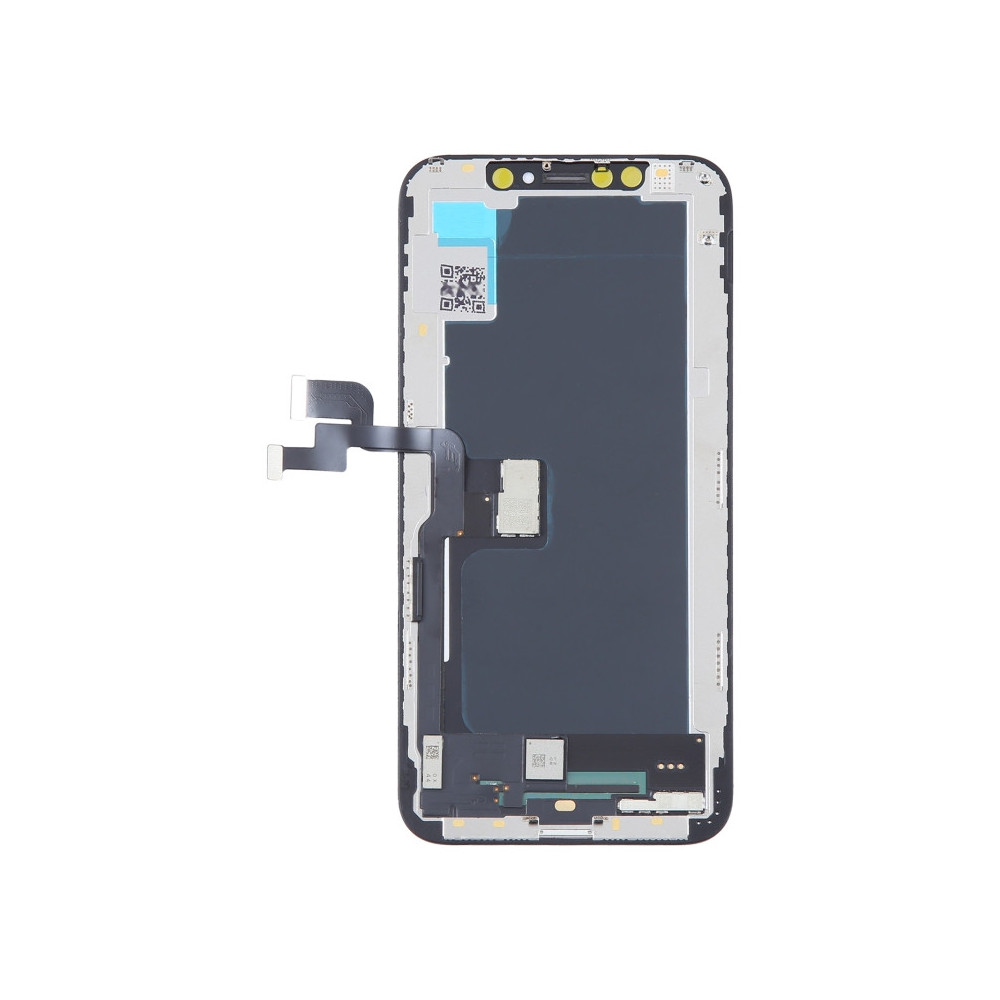
For iPhone XS - ALG Hard OLED LCD Screen with Digitizer Full Assembly
×
![]()
Comments
You must be logged in to comment.